
Revolution Idle Automation Guide: Faster IP Farming
Use this Revolution Idle automation guide to set up Auto Prestige, tune promotions, and improve Infinity Point farming with useful presets for each stage.
Jump to
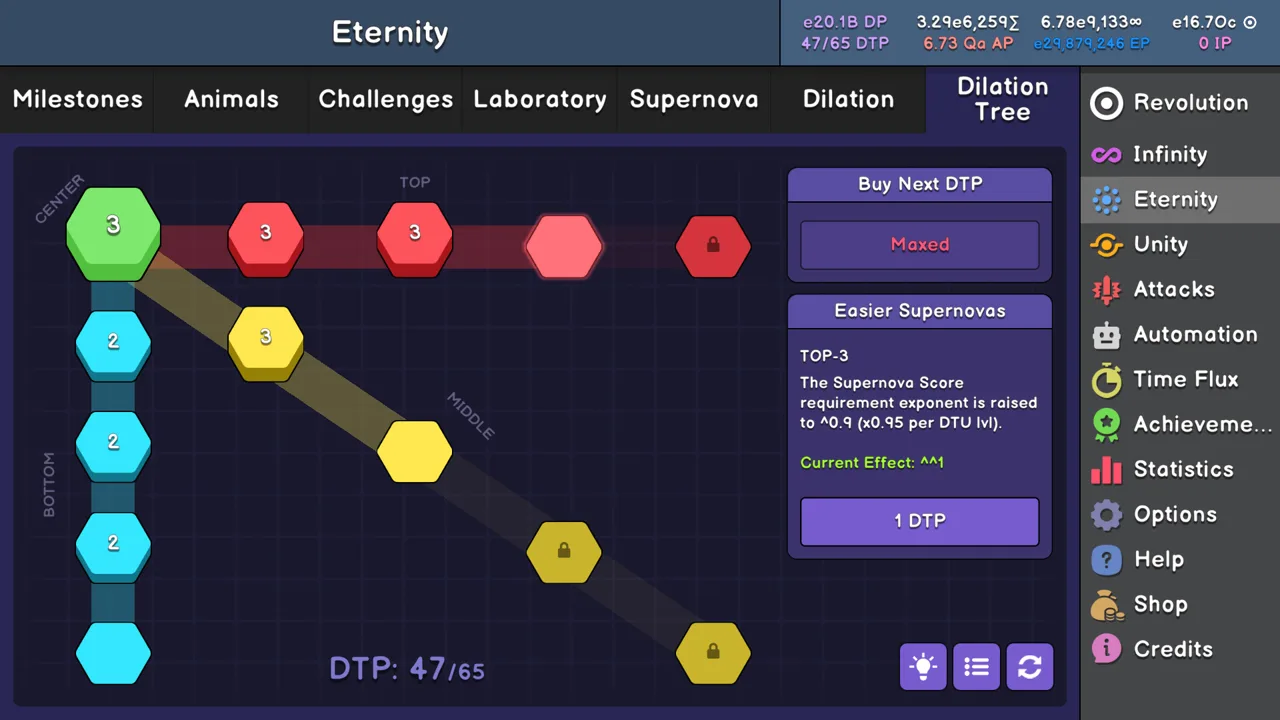
How to Automate Infinity Point Farming
Manual resets demand attention long after you understand the loop. This Revolution Idle automation guide covers the unlocks and settings that turn those repeated actions into automatic progression. Start with purchasing and ascension, add Prestige and promotions, then tune your Infinity resets around how quickly you earn Infinity Points.
Automation unlocks through specific Infinity Tree upgrades. The coordinates below identify the upgrade, while the cost is for that individual purchase.
| Automation | Infinity Tree upgrade | Cost | What it automates |
|---|---|---|---|
| Autobuy Buyables | [1;1] | 1 IP | Purchasing affordable colors and circle levels |
| Auto Ascend | [2;2] | 1 IP | Ascending colors when eligible |
| Auto Prestige | [5;3] | 3 IP | Prestiging when your configured requirements are met |
| Auto Promote | [10;1] | 256 IP | Cycling through promotion rules |
| Auto Infinity | [15;1] | 2048 IP | Performing Infinity resets when IP and time requirements are met |
Enable all buyables at 100% when you unlock them. Enable Auto Ascend for normal farming, too.
Auto Prestige removes repeated Prestige clicks, while Auto Promote handles the next layer of resets. Auto Infinity completes the reset loop once unlocked. Each addition changes your run, so revisit your settings instead of carrying the same thresholds through every stage.
Official page: Revolution Idle (store.steampowered.com)
Set Up Auto Prestige and Auto Promote
Use these values as your starting preset for ordinary Infinity progression:
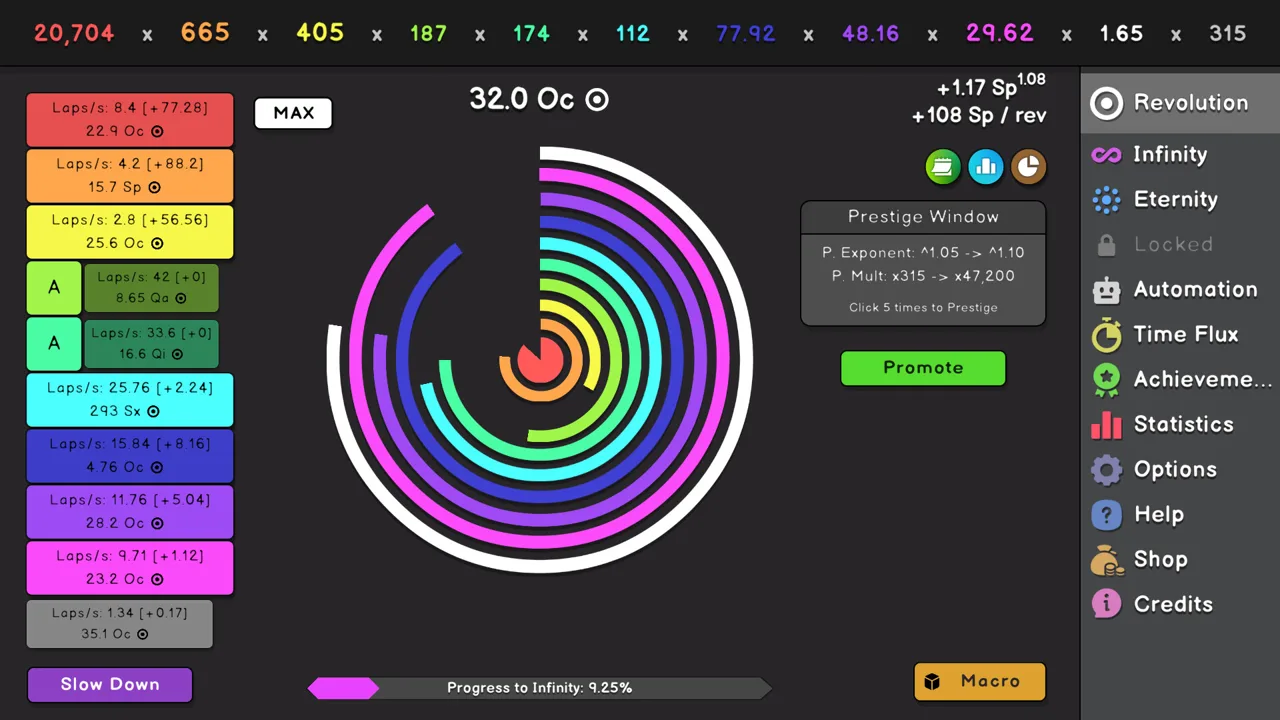 Image: Steam / Oni Gaming
| Setting | Starting value |
|---|---|
| Auto Buyables | All enabled at 100% |
| Auto Ascend | All enabled |
| Auto Prestige: Min P.Exponent Gain (+) | 0.00 |
| Auto Prestige: Min P.Mult Gain (x) | 1,000 |
| Auto Prestige: Min time (s) | 0.20 |
Make sure Auto Prestige itself is enabled after entering the values.
The minimum timer needs attention as your account grows stronger. If repeated resets keep interrupting your buildup, test a longer delay. When your production recovers almost immediately after a Prestige, compare shorter delays against your existing setup.
Build the Promotion Queue
Once Auto Promote unlocks, start with this sequence:
- Promotion 2: +50 levels, 1-second minimum time.
- Promotion 1: +50 levels, 1-second minimum time.
- Promotion 3: +50 levels, 1-second minimum time.
- Promotion 4: +50 levels, 1-second minimum time.
That puts lap speed before multiplier gain, followed by Ascension power and promotion strength. The queue processes its entries in order and then cycles through them again.
Keep all four promotions while establishing a baseline. For short runs, test a queue containing only Promotions 2 and 1, then compare your IP gain over time. Removing Promotions 3 and 4 can also leave your run without enough power to reach its target efficiently.
Try smaller promotion steps, such as +20 levels, as an alternative. Change the level requirement separately from the timer so you can tell which adjustment helped.
Watch Red Circle Ascensions
Automatic ascension is convenient, but an early red ascension can leave you with low laps per second during the rebuild.
If that stalls your run, disable Auto Ascend for red and manage it manually. In situations where maintaining speed matters, wait until yellow is ready before ascending red. Restore ordinary automation when that extra control stops helping.
Tune Short Runs and Break Infinity Pushes
Breaking Infinity lets you push beyond the normal Infinity threshold of approximately 1.79e308. Your next task is choosing when to reset for IP.
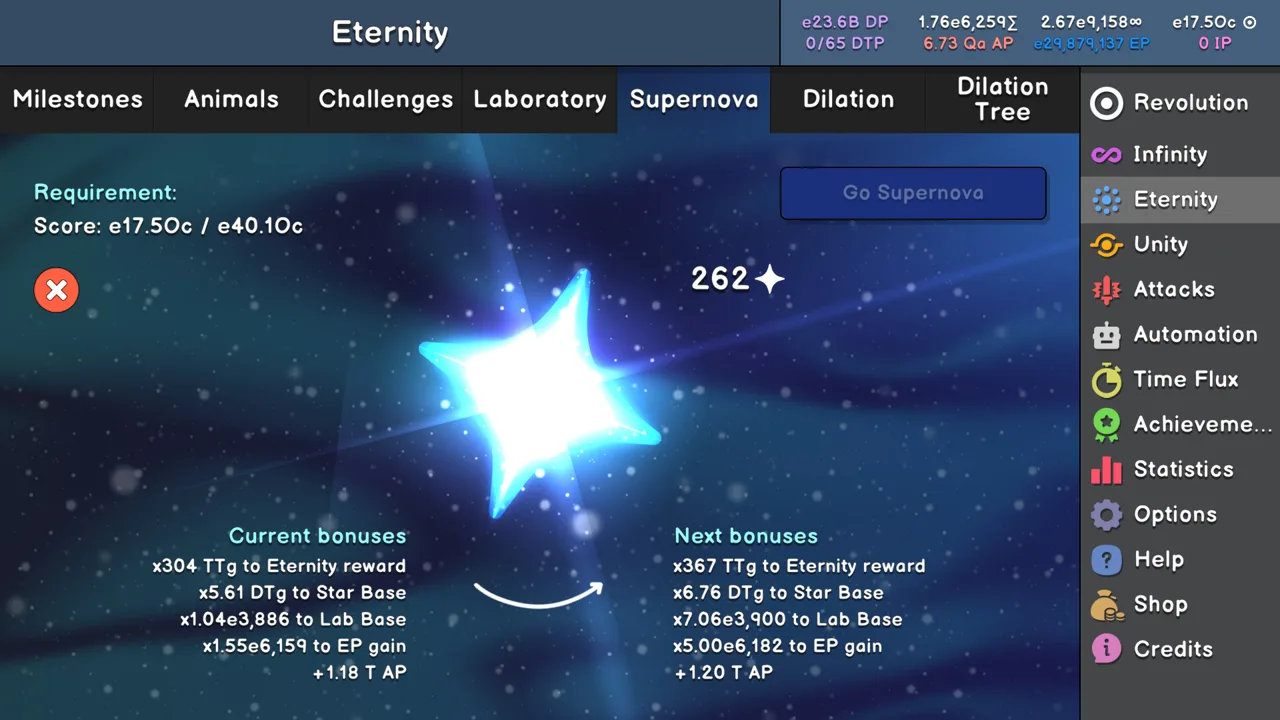 Image: Steam / Oni Gaming
Compare IP per second or IP per minute. A larger reward from one Infinity can still produce less IP over time if the final stretch takes too long.
Short-Run IP Farming
Keep the starting Auto Prestige preset and promotion queue, then find an Auto Infinity target:
- Temporarily disable Auto Infinity.
- Let the run develop through its promotion cycle.
- Watch where the available IP reward begins growing slowly.
- Start with an Auto Infinity requirement around 90% of that value.
- Compare the resulting IP rate with a lower or higher target.
Avoid copying a fixed IP target from another account. Your Infinity upgrades, generators, and multipliers determine how quickly you reach it.
An unreachable target can leave the game waiting through a long slowdown. If your run repeatedly approaches the requirement without finishing, lower the target and compare the farming rate again.
Longer Runs for Upgrades
For a longer push, keep Auto Buyables and Auto Ascend enabled, and retain the 0.00 / 1,000 / 0.20 Auto Prestige settings as a starting point.
Set the promotion queue to:
- Promotion 2: +30 levels, 1 second.
- Promotion 1: +30 levels, 1 second.
- Promotion 3: +30 levels, 1 second.
- Promotion 4: +30 levels, 1 second.
Turn Auto Infinity off. Finish the run when the available IP covers the Infinity upgrade or important generator purchase you are pursuing.
As the push extends, test smaller promotion increments and longer timers. Frequent promotions can interrupt the score buildup you need for a larger Infinity reward.
Compare Settings Without Changing Your Upgrades
Keep your upgrade purchases unchanged while comparing automation presets. Buying a stronger multiplier between runs makes it harder to tell whether the settings improved your results.
Adjust one variable at a time:
- Auto Prestige minimum time.
- Promotion level increments.
- Promotion minimum time.
- Inclusion of Promotions 3 and 4.
- Auto Infinity IP requirement.
Use the statistics screen to compare completed runs, including their buildup time.
Adjust Automation for Infinity Challenges
Challenges change the rules that made your farming preset work. Disable Auto Prestige and Auto Promote when their resets interfere with the challenge, then restore them afterward.
 Image: Steam / Oni Gaming
For the early sequence, attempt Challenges 1 and 2 when they become available. Prepare the upgrades through column 8 for Challenge 3. Before Challenge 4, obtain [9;1], [9;2], and a Generator 2 purchase. Challenges 5 and 6 follow that stage.
The later challenges need more deliberate control.
Challenge 7: Protect Your Lap Speed
Challenge 7 penalizes multipliers as time passes within the Infinity. Slow rebuilding becomes especially costly.
Turn off Auto Prestige, Auto Promote, and red Auto Ascend. Manage red ascensions around yellow’s readiness so you preserve useful lap speed. Perform Prestige resets manually as the run develops.
Challenge 8: Build Promotions Without Ascension
Ascensions are disabled in Challenge 8. Prepare [14;1] and [14;2], then focus on promotions and generator bonuses.
Build promotion levels while those bonuses accumulate. Near the finish, turn off reset automation if another Prestige or promotion would interrupt a run that is already progressing toward Infinity.
Challenge 9: Allow for the Four-Color Restriction
Challenge 9 limits you to four colors and rewards completion with double Infinities gain.
Cycle promotions and allow generator bonuses to build. Use manual control when automatic ascensions or resets slow the finish. Near the goal, judge whether another reset offers enough improvement to justify rebuilding.
Use a Separate Preset for Faster Challenge Replays
Once you have enough power to replay challenges for shorter completion times, switch away from your farming queue:
- Keep Auto Buyables at 100%.
- Enable Auto Ascend.
- Disable Auto Promote.
- First try with Auto Prestige disabled.
- For another comparison, try Auto Prestige at 1.00 exponent gain, 1e20 multiplier gain, and 0.00 seconds.
- Fix Infinity, or use an Auto Infinity requirement of 1.0 IP with the lowest available cooldown.
Keep these speed attempts separate from your initial challenge completions. A preset designed to finish an already manageable challenge quickly serves a different purpose from one designed to build enough power to clear it.
Expand Automation Through Eternity
Eternity milestones add automation for purchases that still require attention during Infinity progression.
| Unlock requirement | Automation gained | Starting action |
|---|---|---|
| 7 Eternities | IP Adjuster | Set its factor to 1000–10000 |
| 12 Eternities | Autobuy Infinity Tree | Enable it |
| 14 Eternities | Autobuy Generators | Enable all generator purchases |
| 16 Eternities | Autobuy Stars and Auto Eternity | Enable star purchases; set Auto Eternity around your EP goal |
The IP Adjuster changes your Auto Infinity IP requirement by a configured factor after each Infinity. Revisit that factor as your progression changes.
Autobuy Infinity Tree purchases upgrades from top to bottom and left to right. Autobuy Stars covers stars, star base, star factor, and stardust upgrades.
Update Prestige Settings After Milestones
After Eternity Challenge milestone 2, change Auto Prestige to:
- Minimum exponent gain: 0.00.
- Minimum multiplier gain: 1.01.
- Minimum time: 0.00 seconds.
That milestone resets upon Unity. Return to the earlier settings until you regain it. After beating 3 Trials, the reward of 6 free Eternity Challenges makes the milestone permanent.
Animal milestone 4 supports setting every promotion to 1 level and 0 seconds. This milestone also resets upon Unity; beating all Easy Trials later provides the reward that supports those settings permanently.
Auto Slowdown unlocks at 4 Animals. Start with a threshold of 500, then test 10 later in progression.
Add Unity Automation as It Unlocks
Unity introduces more systems to automate, including Animals, Lab upgrades, and resource distribution.
- Achievement #168, at 5 Unities: unlocks Autobuy AP and Autobuy Animals.
- Achievement #169, at 10 Unities: unlocks Autobuy Lab Upgrades and Autobuy RP.
- Achievement #170, for beating all Easy Trials: unlocks Auto Supernova.
- Medium Trial 3: unlocks Autobuy DTP and Autobuy Dilation Upgrades.
- Medium Trial 4: unlocks Auto Unity.
Enable AP and Lab purchases once available. For Autobuy RP, use 0:0:0:0:0:1 for ordinary progression; Achievement #231 uses 0:0:0:0:1:0 instead.
For Autobuy DTP, use 65, the maximum DTP amount.
Auto Unity can check EP, Zodiac level, Attack level, and Gold gain requirements. Its selection priorities run from 0 as the highest priority through 5 as the lowest.
Configure Zodiac Selling Carefully
Auto-sell Zodiacs unlocks through Hard Trial 3. A Zodiac must satisfy every configured requirement before it is sold:
- Selected sign.
- Selected rarity.
- Quality within the entered range.
- Level within the entered range.
- Presence in your inventory.
Equipped Zodiacs are excluded. Review all filters before enabling automatic selling, especially when keeping particular signs or quality ranges.
Use Macros for Action Sequences
Macros execute ordered actions without repeated input. You initially have 3 macro slots, with 30 blocks per macro; additional capacity and certain blocks can be purchased with Souls.
Use the available macro options to control execution:
- Loop mode: repeats the macro after completion.
- Startup Execution: runs it when entering the game.
- Logs: displays its steps for troubleshooting.
Open the logs when a sequence stops producing the expected result. Follow the executed steps to find where its actions diverge from your intended order.
For longer sequences in mid-to-late Unity, consider the Go to macro block to work around the per-macro block limit.
Recent updates also change how automation behaves:
- September 11, 2026 — v1.076: added Auto Attack Prestige and made Auto Flush disable automatically after purchasing Pentacle Upgrade 11.
- November 13, 2026 — Particles update: added 4 new automations and separate one-click prestige settings for Attacks and Particles.
- November 13, 2026 — Particles update: added an option to disable the 30-second Macro startup delay. With that delay disabled, the startup Macro runs before offline progress is calculated.
Check that startup-delay setting when configuring a macro intended to prepare your setup before offline progress is processed.
Continue with
 Revolution Idle Automation Settings: Infinity GuideTune Revolution Idle automation settings for IP farming, faster challenges, and later milestones. Set prestige, promotions, and Infinity targets that fit.
More in Automation
Revolution Idle Autobuy Dilation: Unlocks and Setup
Revolution Idle autobuy dilation unlocks after Medium Trial 3. Learn how to enable upgrade purchases, set the DTP target, and reduce manual management.

Revolution Idle Macros: Automate Challenges and Unity
Build Revolution Idle macros for Infinity Challenges, Dilation Tree upgrades, and Unity farming. Import templates, tune delays, and fix stalled automation.
Continue exploring
Join the community
Official channels for news, updates and player help: