
Revolution Idle Automation Settings: Infinity Guide
Tune Revolution Idle automation settings for IP farming, faster challenges, and later milestones. Set prestige, promotions, and Infinity targets that fit.
Jump to
Set Up Your Infinity Automation
Stop babysitting every prestige. Revolution Idle automation settings let you automate purchases and resets, but their timing can speed up or slow down your progress. Start with the settings below, then adjust for Infinity Points farming, longer pushes, or challenge records.
Automation unlocks gradually through the Infinity Tree. The coordinates below identify each upgrade, and IP means Infinity Points.
| Automation | Infinity Tree unlock | Starting setting |
|---|---|---|
| Autobuy Buyables | [1;1], 1 IP | Enable every color at 100% |
| Auto Ascend | [2;2], 1 IP | Enable every color |
| Auto Prestige | [5;3], 3 IP | Exponent gain: 0.00; multiplier gain: 1,000; minimum time (s): 0.20 |
| Auto Promote | [10;1], 256 IP | Order: 2 → 1 → 3 → 4; +50 levels each; 1-second delay |
| Auto Infinity | [15;1], 2048 IP | Set the IP target and time requirement for your current run |
Keep the color-buying percentages at 100%. Focus your adjustments on prestige, promotion, and Infinity timing.
Auto Prestige’s three fields cover different requirements. Enter 0.00 under minimum P.Exponent gain, 1,000 under minimum P.Mult gain, and 0.20 under minimum time. Putting the multiplier value into the exponent field creates a very different setup.
Official page: Revolution Idle (store.steampowered.com)
Choose Between IP Farming and a Longer Push
Short farming runs and upgrade pushes need different reset targets. For farming, compare IP per minute. For a push, concentrate on reaching the Infinity Upgrade or generator purchase you want.
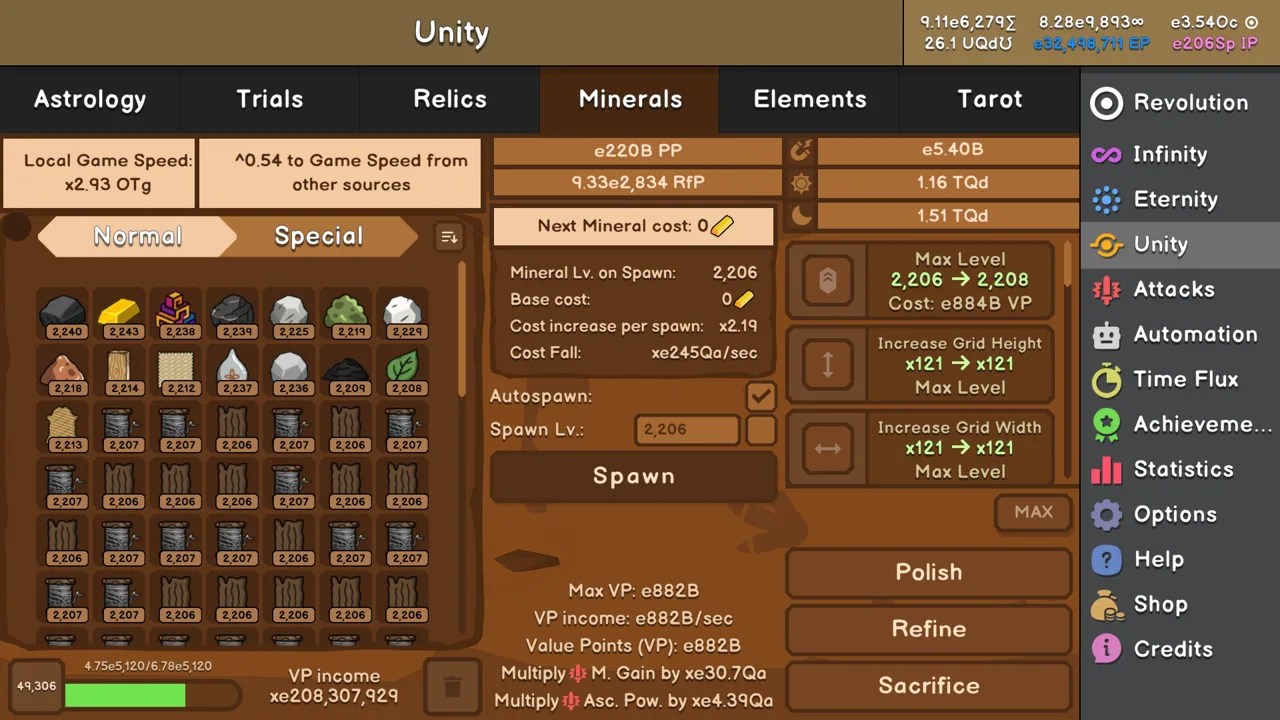 Image: Steam / Oni Gaming
Keep Auto Ascend enabled and all Auto Buyables at 100% for these presets.
| Setting | Short IP farming runs | Longer farming runs and pushes |
|---|---|---|
| Auto Prestige | 0 / 1,000 / minimum time (s): 0.20 | 0 / 1,000 / minimum time (s): 0.20 |
| Promotion order | 2 → 1 → 3 → 4 | 2 → 1 → 3 → 4 |
| Promotion level gain | +50 each | +30 each |
| Promotion delay | 1 second | 1 second |
| Auto Infinity | Minimum IP at 90% of the run’s IP plateau | Off; finish manually at your purchase target |
For the short-run Infinity target, let a run develop after making your available upgrades. Find the point where the projected IP reward stops growing, then use 90% of that value as your minimum IP requirement.
Test farming with Promotions 3 and 4 enabled, then compare it with only Promotions 2 and 1. Use the configuration that produces more IP per minute.
As progression accelerates, try lowering promotion gains toward +20 levels. For longer pushes, test lower level requirements and a longer promotion timer. Change one setting at a time so you can tell which adjustment helped.
An impressive IP reward per reset does not automatically mean faster farming. Compare the reward against the time spent reaching it.
Turn Off Resets That Slow Infinity Challenges
Your farming setup can interfere with challenge completion. Auto Prestige and Auto Promote sometimes add resets that make a challenge take longer.
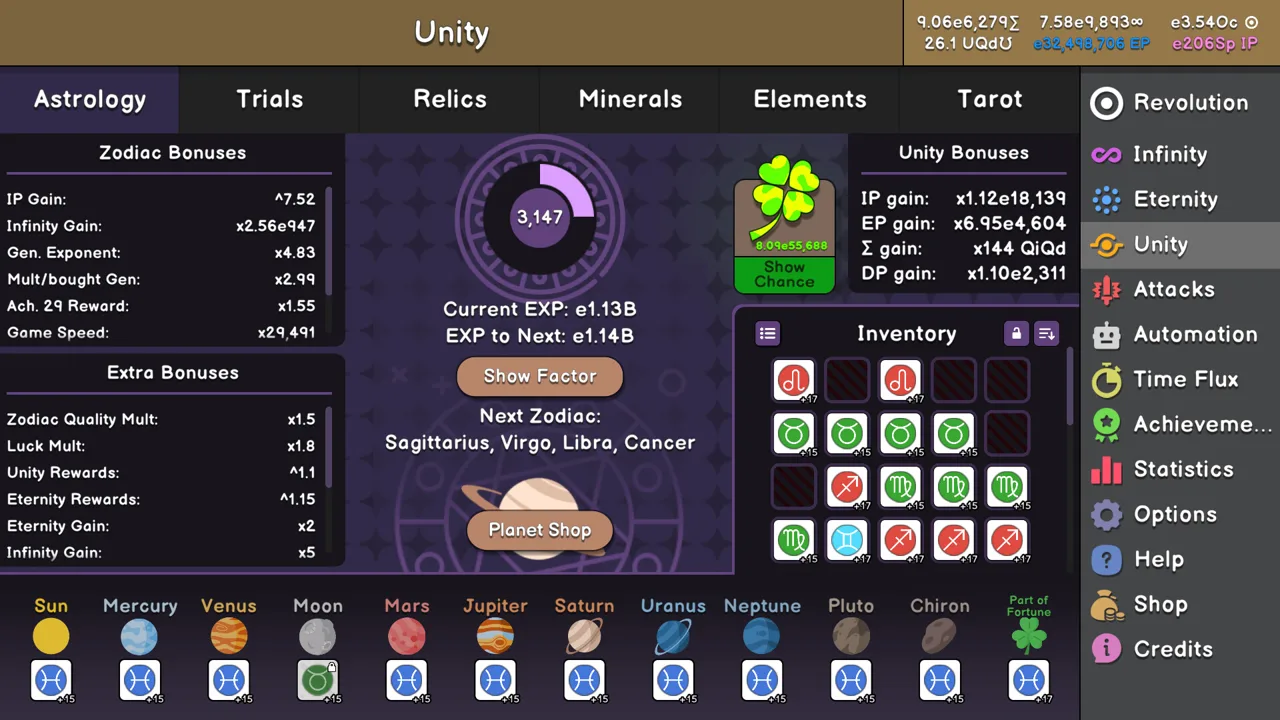 Image: Steam / Oni Gaming
Start challenge attempts with:
- Auto Ascend: All colors enabled.
- Auto Buyables: All colors at 100%.
- Auto Prestige: Off.
- Auto Promote: Off.
Once you have completed the challenges with Auto Prestige disabled, try enabling it with 1.00 minimum P.Exponent gain, 1e20 minimum P.Mult gain, and 0.00 minimum time. Compare completion times against the disabled setup.
Leave Auto Promote off while reducing Infinity Challenge times. Restore your farming promotion sequence when you return to ordinary IP runs.
Update Your Settings at Eternity Milestones
Later milestones change which reset settings make sense. Switch to the faster values when you earn the corresponding milestone.
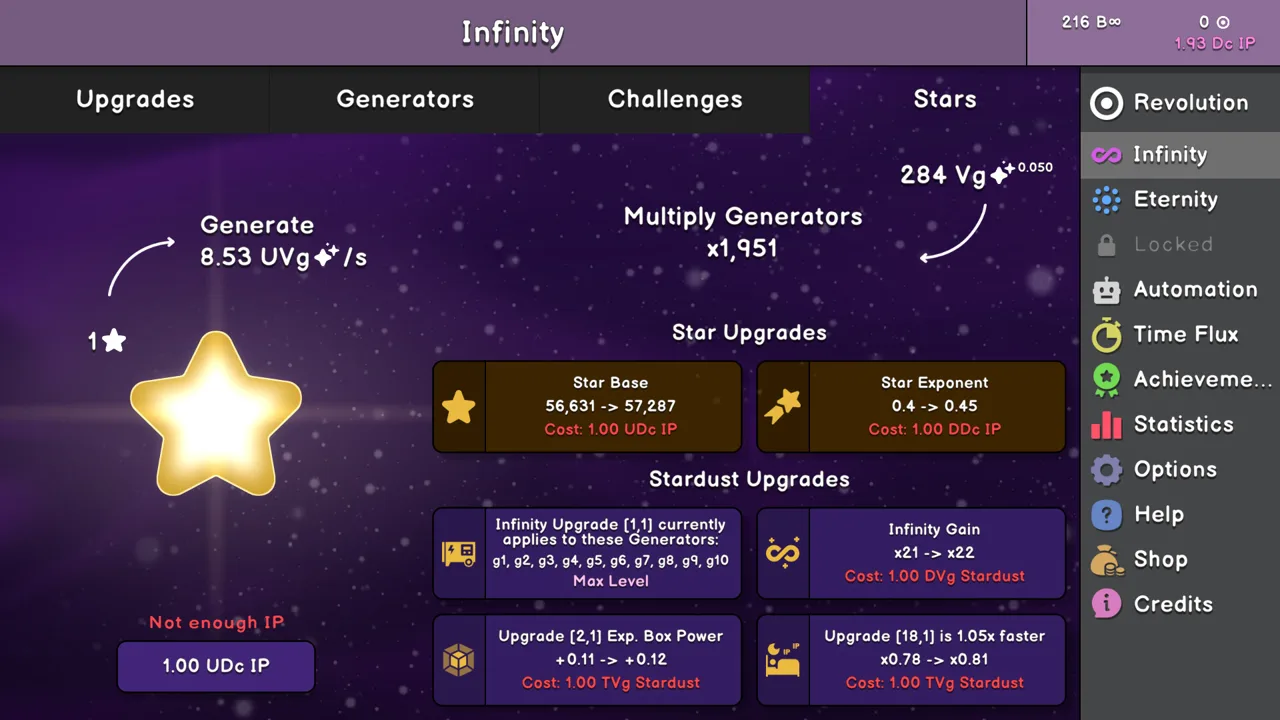 Image: Steam / Oni Gaming
| Unlock or milestone | Setting to use |
|---|---|
| EC milestone 2 | Auto Prestige: 0.00 / 1.01 / 0.00 seconds |
| Animal Milestone 4 | Auto Promote: +1 level, 0-second delay |
| 7 Eternities, fifth Eternity milestone | IP Adjuster: 1000–10000 |
| 12 Eternities, seventh Eternity milestone | Enable Autobuy Infinity Tree |
| 14 Eternities, eighth Eternity milestone | Enable every Autobuy Generators option |
| 16 Eternities, ninth Eternity milestone | Enable Autobuy Stars and configure Auto Eternity |
The IP Adjuster changes your Auto Infinity IP requirement by a factor after an Infinity. After Animal Milestone 5, that earlier Infinity-target setup loses its practical role.
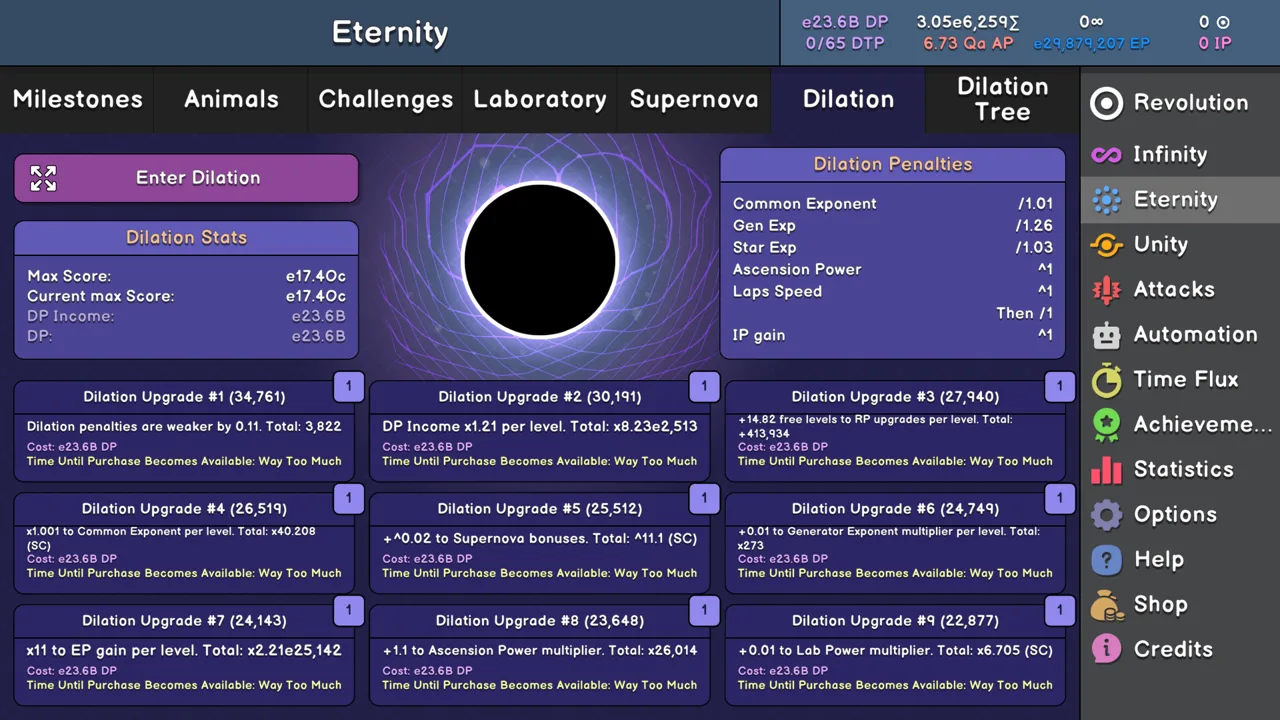
Auto Eternity uses an EP gain requirement and a time requirement. Adjust those around your current Eternity goal; Dilation Tree Upgrade MID-2 eventually makes Auto Eternity unnecessary.
Auto Slowdown unlocks with 4 Animals, at the second Animal milestone. Start its lap-speed threshold at 500, then use 10 later in progression.
Unity resets the EC and Animal milestones behind some of these faster settings. Return to the early prestige and promotion values until you regain them. Beating 3 Trials permanently supplies EC milestone 2 through the reward of 6 free EC; beating all Easy Trials lets you keep using +1-level promotions with no delay.
Configure Unity Purchases and Research
Unity introduces more purchasing automation, with several unlocks tied to achievements and Trials.
At 5 Unities, Achievement #168 unlocks Autobuy AP and Autobuy Animals. Enable AP purchasing and configure the animal purchase order.
At 10 Unities, Achievement #169 unlocks Autobuy Lab Upgrades and Autobuy RP. Enable Lab Base, Mult, and Power purchases. Set RP distribution to 0:0:0:0:0:1, except when working on Achievement #231, which uses 0:0:0:0:1:0.
Beating all Easy Trials unlocks Auto Supernova. Enable it for ordinary progression. Medium Trial 3 unlocks Autobuy DTP and Autobuy Dilation Upgrades; leave the DTP target at 65 and enable the dilation purchases.
Auto Unity unlocks through Medium Trial 4. Its conditions include EP, Zodiac level, Attack level, and Gold gain, while Zodiac selection has its own priorities. Priority 0 outranks priority 1, followed by 2, 3, 4, and 5. Set those priorities deliberately when farming Zodiacs or Gold.
Handle Minerals, Artifacts, and Zodiac Filters
Several later automations have conditions worth understanding before you enable everything.
Autospawn Minerals unlocks at Sword Milestone level 10. It requires you to hold 10× the spawn cost, but spends only the normal cost. Turn it off before polishing or refining if you need to control what fills your available space.
Refinement Tree nodes add the following controls:
- Node 6: Automerge Minerals, every 600 seconds, affected by local game speed.
- Node 11: Autobuy Mineral Upgrades.
- Node 13: Autobuy Attack Circles.
- Node 14: Auto Ascend Attack Circles.
- Node 32: AutoBuy Polish Upgrades.
- Node 34: Autobuy Magnet Upgrades.
Keep mineral quality and luck purchasing off until node 12 removes the Gold spending from VP-based mineral upgrades. Attack Circle autobuying also requires a balance of 10× the price while spending only the normal price.
For Auto Flush Artifacts, start at 0% and periodically disable it to check Tarot Upgrades. Since the September 11, 2026 v1.076 update, buying Pentacle Upgrade 11 automatically disables Auto Flush.
Zodiac disposal needs narrower filters than ordinary purchasing automation. Auto-sell Zodiacs checks sign, rarity, quality range, level range, and whether the Zodiac is in your inventory. Every condition must match before a sale; equipped Zodiacs are excluded.
Singular Zodiac Auto-Delete, added in v1.076, uses configurable rarity and level filters. Review those filters before enabling deletion, and double-click Singular Zodiacs you want to lock.
Use Macro Logs and Review Startup Timing
Macros execute an ordered sequence of actions. The initial allowance is 3 macros, each with up to 30 blocks; additional capacity and certain blocks cost Souls.
Use the three macro controls for distinct purposes:
- Loop mode: Repeat the sequence after it finishes.
- Startup Execution: Run the macro when entering the game.
- Logs: Inspect individual steps while troubleshooting.
Enable Logs while building a sequence so you can identify the block where its behavior goes wrong. For longer sequences, consider the purchasable Go to macro block.
The November 13, 2026 Particles update added an option to disable the 30-second Macro startup delay. With that delay disabled, the startup macro runs before offline progress is calculated. Review the macro’s opening actions before changing this setting.
That update also introduced 4 new automations and separate one-click prestige settings for Attacks and Particles. Review those prestige controls separately when configuring the newer progression systems.
Continue with
 Revolution Idle Macros: Automate Challenges and UnityBuild Revolution Idle macros for Infinity Challenges, Dilation Tree upgrades, and Unity farming. Import templates, tune delays, and fix stalled automation.
More in Automation
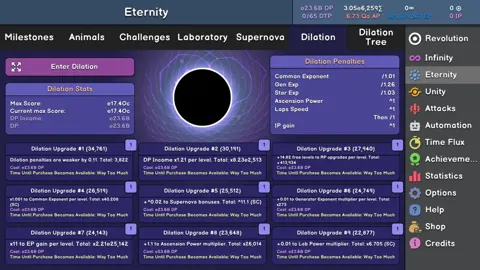
Revolution Idle Autobuy Dilation: Unlocks and Setup
Revolution Idle autobuy dilation unlocks after Medium Trial 3. Learn how to enable upgrade purchases, set the DTP target, and reduce manual management.
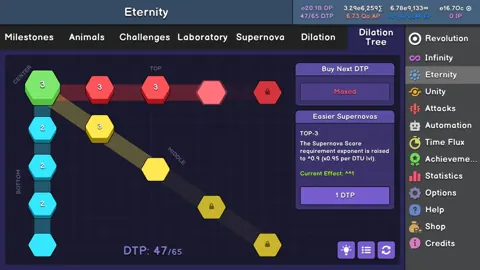
Revolution Idle Automation Guide: Faster IP Farming
Use this Revolution Idle automation guide to set up Auto Prestige, tune promotions, and improve Infinity Point farming with useful presets for each stage.
Continue exploring
Revolution Idle Infinity Challenges: All 9 Solutions
Clear Revolution Idle infinity challenges with upgrade milestones, strategies for nine runs, automation tips, and faster times to unlock Break Infinity.
Revolution Idle Infinity Guide: Resets, IP, and Stars
Master Revolution Idle infinity with reset details, Infinity Point upgrades, Generators, all nine Challenges, and Stars. Plan your path to Break Infinity.
Join the community
Official channels for news, updates and player help: