
Revolution Idle Macros: Automate Challenges and Unity
Build Revolution Idle macros for Infinity Challenges, Dilation Tree upgrades, and Unity farming. Import templates, tune delays, and fix stalled automation.
Jump to

How to Set Up and Import Macros
Revolution Idle macros handle the repeated clicks between challenge clears, Dilation Tree upgrades, and Unity resets. Automating those steps cuts down the hands-on work of farming Zodiacs and pushing through repeat runs. Start with a sequence you can already complete manually, then adjust its waits and conditions to match your progression.
To import a template:
- Open Macros from the main screen.
- Copy the complete macro text, preserving its indentation.
- Select Import in the macro builder and paste it.
- Check that the required blocks are unlocked and any referenced presets are configured.
- Enable the execution log and test the routine before leaving it on loop.
Imported instructions still depend on your achievements, automation settings, and available resources. Some templates also require purchased blocks.
For a small example, this sequence triggers Prestige and each of the four promotions:
Prestige() → Promote(0) → Promote(1) → Promote(2) → Promote(3)
That handles a short sequence of actions. A complete Unity routine also needs challenge completion, Dilation, tree upgrades, and a reset condition.
Official page: Revolution Idle (store.steampowered.com)
Automate Infinity and Eternity Challenges
Challenge automation becomes useful around four Eternities, well before a complete Unity loop is practical. Build around the blocks you have unlocked rather than importing a later-game routine immediately.
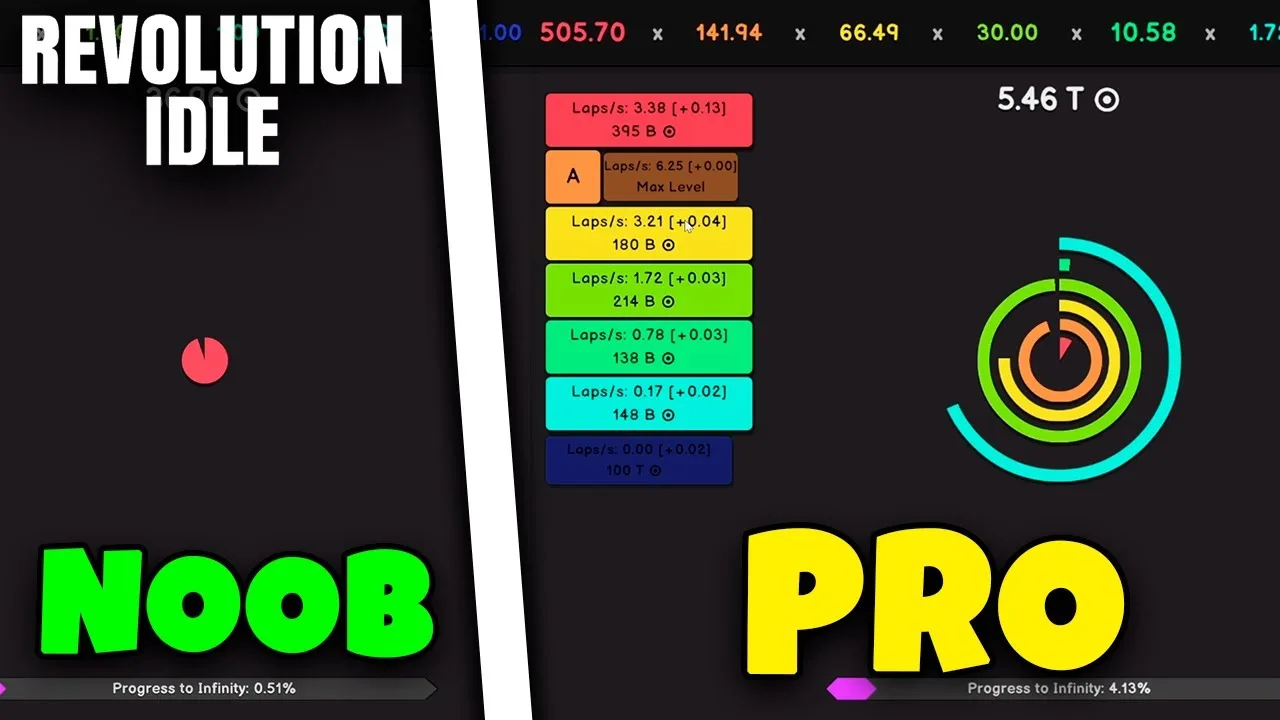
Infinity Challenges
The Break/Fix Infinity macro block requires Achievement #76. Once available, it lets a challenge routine control the Infinity state around its challenge entries.
For improving scores after completing Infinity Challenges once, the sequence is:
- Fix Infinity with
BreakInfinity(false). - Enter Infinity Challenges 1 through 9, waiting for each to finish.
- Restore Break Infinity with
BreakInfinity(true).
For a repeating routine, add a resource gate before the challenge sequence and a reset gate afterward. Otherwise, the macro can reach a challenge before you have enough IP or restart before the next Eternity.
Use Wait Until when an action must wait for a threshold. An if block checks its condition when execution reaches it; if the condition fails, execution moves on. That distinction matters when a fresh reset leaves you temporarily short on IP.
Eternity Challenges
For a manually ordered Eternity Challenge routine, add an Enter Eternity Challenge block for each required challenge and difficulty. Enable Wait Until End so the macro stays in that challenge until completion.
Include the required difficulties in sequence instead of jumping directly to difficulty five. Move harder challenges later if completing easier ones first is necessary for your build.
If EC10 requires a Dilation push at your current stage, place that push before EC10:
- Enter Dilation.
- Wait for the score your run needs.
- Exit Dilation.
- Continue through the remaining challenge difficulties.
Use a score condition when Dilation income changes between runs. Keep a short delay before entering Dilation if the unlock has not finished when the macro reaches that block.
Build a Dilation Tree Routine
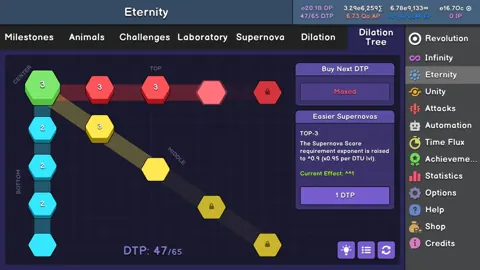
Dilation Points (DP) and Dilation Tree Points (DTP) serve different roles in these routines. Check which resource each condition measures: having enough DP for your next push does not mean a tree preset is ready to load.
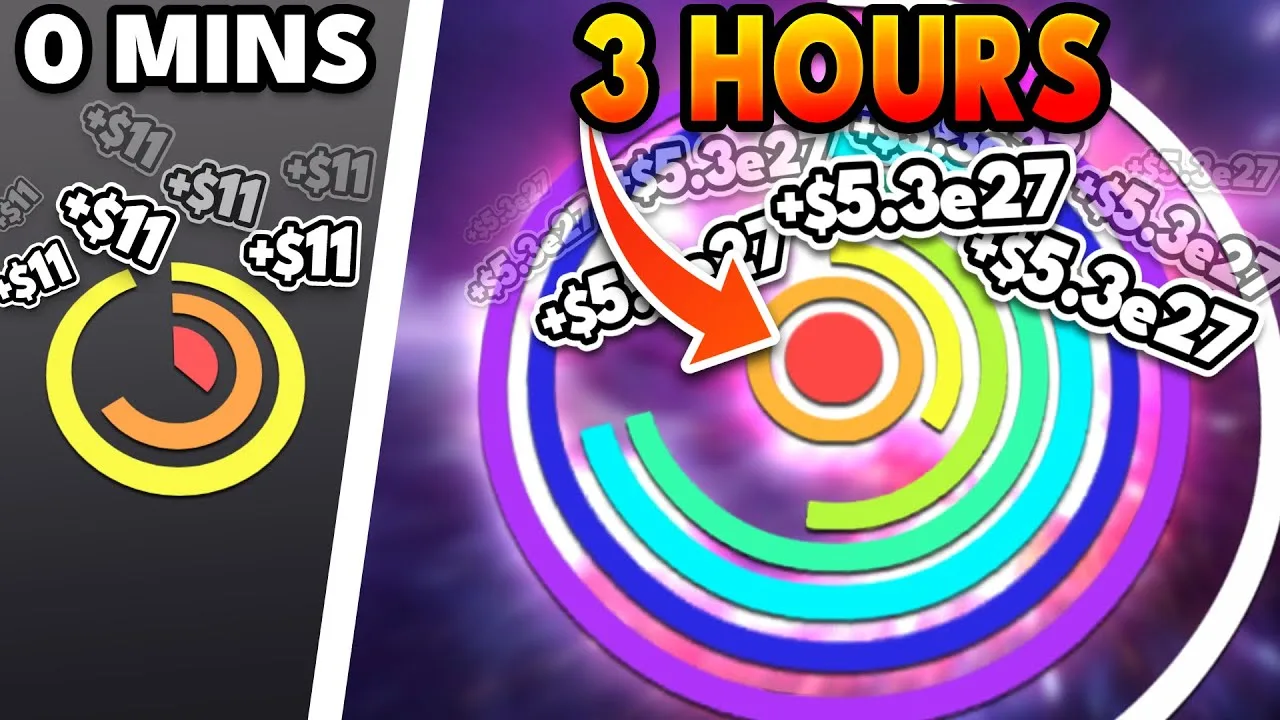
Before presets become practical, use individual Dilation Tree Upgrade blocks to purchase nodes in order. Insert Dilation runs between purchases wherever your manual route needs more income.
Once you can use tree presets, prepare these three layouts for the full Unity routine below:
| Preset | Center | Top branch | Middle branch | Bottom branch |
|---|---|---|---|---|
| 21 DTP | 5 | — | 5, 1, 5, 5 | — |
| 45 DTP | 5 | 1, 1, 5, 5 | 5, 1, 5, 5 | 1, 1, 5, 5 |
| Fully grown: 65 DTP | 5 | 5, 5, 5, 5 | 5, 5, 5, 5 | 5, 5, 5, 5 |
Each branch lists node levels in order. The dash means that layout assigns no points to that branch.
Save the presets in the order shown. The macro uses LoadDT(0), LoadDT(1), and LoadDT(2) for the first, second, and third preset slots.
For an earlier, separate tree routine, use this structure:
- Purchase the opening nodes your build needs.
- Enter Dilation, wait, and exit.
- Purchase the next nodes.
- Wait until you can load the next preset.
- Load it and repeat the Dilation push as needed.
- Finish with the fully grown tree and another Dilation run.
Three-second Dilation waits are an example starting point from an earlier Unity setup, rather than a requirement. Put the wait where the log shows a resource shortage, then tune it to your build.
Set Up a Full Unity Farming Loop
This full Unity template targets automated Gold and Zodiac farming after Achievement 237, with use also extending to progression after Hard Trials. Prepare the three Dilation Tree presets above before importing it.
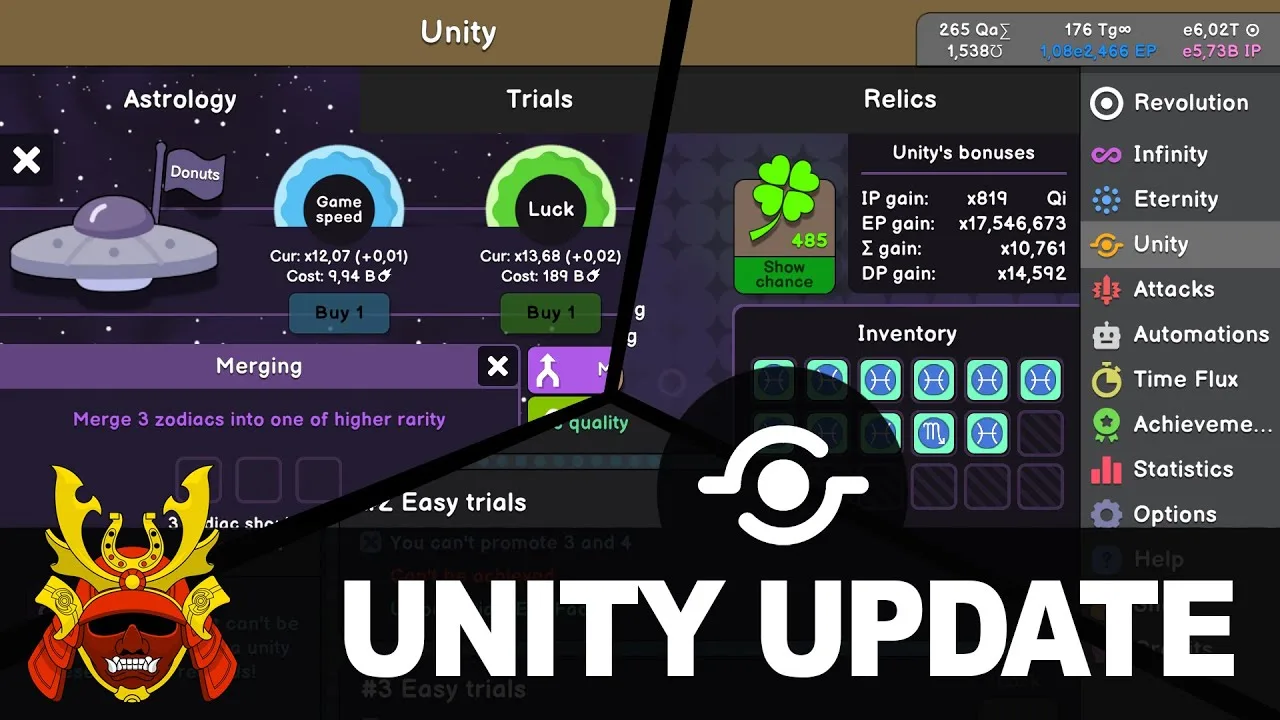
The routine rebuilds early progress, attempts Eternity Challenges, cycles through tree presets, and pushes Dilation. Auto Unity performs the Unity reset, so configure that separately.
Repeat (3, false)
  WaitForSeconds(0.05)
  Infinite()
  WaitForSeconds(0.5)
  Eternate()
  Dilate(true)
Repeat (14, false)
  EnterEC(0, 0, false)
  WaitUntil (Score >= 1.00e1000 || EP == 0.00)
  WaitForSeconds(0.05)
  ExitEC()
Repeat (4, false)
  WaitForSeconds(0.05)
  LoadDT(0)
  LoadDT(1)
  LoadDT(2)
  Dilate(true)
  WaitForSeconds(0.5)
  Dilate(false)
WaitUntil (EP == 0.00)
The final WaitUntil holds execution until EP reaches zero. Enable loop mode for repeated farming after you have tested the complete reset cycle.
Set the reset target from your run
For Gold farming:
- Equip your Gold farming build.
- Turn Auto Unity off.
- Reset Unity and run the macro.
- Check the Attack level reached after 25–35 seconds of real time.
- Set Auto Unity to that Attack level and enable macro looping.
For Zodiac farming or sacrificing:
- Equip your Quality build.
- Turn Auto Unity off.
- Reset Unity and run the macro.
- Check the Zodiac level reached after execution.
- Set Auto Unity to that level and enable looping.
If the sequence stops short, increase the Dilation waits or repeat counts. If your stats support faster runs, try shorter waits such as 0.2 or 0.3 seconds, then verify that you still reach the intended reset target.
Do not shorten every delay at once. A fast challenge section does little for farming if the final tree load fails.
Shorter Routines for Later Zodiac Farming
Later progression removes work that earlier Unity macros must perform. Replace obsolete challenge sections when your unlocks allow it.
After Insane Trial #4
After completing Insane Trial #4, challenges are completed by default. That allows a much shorter routine built around reaching and loading the full Dilation Tree:
WaitUntil (DTP == 65.00)
LoadDT(0)
WaitUntil (DTP == 0.00)
Restart()
For this version, place the full 65-DTP tree in the first preset slot. Its slot arrangement differs from the three-preset Unity template.
Keep Auto Unity configured to perform the reset. The routine waits for 65 DTP, loads the tree, then waits for DTP to return to zero before restarting.
At Attack level 1000+
A short sacrificing routine is intended for Attack level 1000+:
WaitForSeconds(0.051)
Infinite()
WaitForSeconds(0.017)
Eternate()
WaitForSeconds(0.017)
Dilate(true)
WaitForSeconds(0.034)
Dilate(false)
WaitUntil (EP == 0.00)
Equip a Quality build, set Auto Eternate to 1e2467, enable Auto Unity, and set the macro to loop.
Those tiny delays belong to this later progression stage. Keep the longer rebuilding sequence while your runs still need challenge completion and substantial Dilation pushes.
Configure Zodiac selection around the farm’s purpose. Auto Unity can target specific Zodiacs or select the highest rarity, while autosell can remove unwanted results. Review those filters before looping: selling every rarity of a selected Zodiac also includes valuable high-rarity drops.
Fix Stalled Runs and Failed Imports
Keep the execution log visible while testing. Find the earliest failed action and correct its prerequisite before changing later blocks.
| Problem | What to adjust |
|---|---|
| Dilation is locked when the block executes | Add a wait before entering Dilation |
| A tree preset fails to load | Check its slot and ensure enough DTP is available |
| A challenge never finishes | Move it later or restore the progression steps it needs |
An if check skips an essential action | Use WaitUntil when execution must pause for that condition |
| An imported loop behaves incorrectly | Restore indentation and inspect block nesting |
| A farming loop waits indefinitely at its end | Check Auto Unity and whether its target is reachable |
Switching Zodiacs changes the multipliers supporting the run. Retest delays and thresholds after changing your farming build.
Preserve indentation when copying nested macros. A misplaced challenge entry or wait can end up outside its intended loop.
For separate, older two-macro setups, selecting another macro interrupts the running one. Let the active sequence finish before switching. Use a combined routine or an available macro-chaining block when your unlocks and block capacity support it.
Changes that affect existing setups
Two updates are relevant when maintaining older routines:
- September 11, 2026 — v1.076: corrected redirect wording for Infinity Tree, Infinity Generators, Infinity Challenges, and Infinity Stars macro blocks.
- November 13, 2026 — Particles update: added an option to disable the 30-second Macro startup delay. With that delay disabled, the startup macro begins before offline progress is calculated.
Review the startup-delay option when troubleshooting behavior immediately after opening the game. It changes when the startup routine begins relative to offline progress.
Extend Automation to Refine Points and Elements
Once you unlock the Refine Macro Prestige block, you can automate Refine Point farming with timed Polish and Refine resets:
WaitForSeconds(1.0)
PolishPrestige()
WaitForSeconds(1.0)
PolishPrestige()
WaitForSeconds(6.0)
RefinePrestige()
Restart()
Adjust those waits around your production speed and reset point. Compare Refine Points per minute when tuning the cycle; a larger individual reset can still take too long to improve the farming rate.
Element cycling can also switch presets alongside production. A supported sequence uses:
- Planet preset 4 with Water for 10 seconds.
- Planet preset 1 with Fire for 10 seconds.
- Planet preset 2 with Earth for 10 seconds.
- Planet preset 3 with Wind for 10 seconds.
- Planet preset 4 with Water again.
Match those preset slots to your own element builds before running the sequence. Increase the time spent on individual elements, adjust the Water portion, or add a restart when preparing a repeating farm.
At Singularity progression, routines can combine element cycling with Arcana use, Special Mineral flushing, and targeted Singularity Tree purchases. Set the node purchases and reset actions for your current goal, and replace macro-driven Singularizing with its dedicated automation after unlocking it at the ×100 Singularity multiplier.
Continue with
 Revolution Idle Autobuy Dilation: Unlocks and SetupRevolution Idle autobuy dilation unlocks after Medium Trial 3. Learn how to enable upgrade purchases, set the DTP target, and reduce manual management.
More in Automation
Revolution Idle Automation Guide: Faster IP Farming
Use this Revolution Idle automation guide to set up Auto Prestige, tune promotions, and improve Infinity Point farming with useful presets for each stage.
Revolution Idle Automation Settings: Infinity Guide
Tune Revolution Idle automation settings for IP farming, faster challenges, and later milestones. Set prestige, promotions, and Infinity targets that fit.
Continue exploring
Revolution Idle Eternity Challenge Guide: All 10 ECs
Use this Revolution Idle eternity challenge guide to choose a clear order, earn Animal Points, keep Infinity Challenges, and tackle all 10 challenge types.
Revolution Idle Insane Trial Guide: All Six Clears
Beat each Revolution Idle insane trial with exact Zodiac loadouts, weapon unlocks, sacrifice targets, and fixes for stalled IP, EP, and attack progression.
Join the community
Official channels for news, updates and player help: